Practice / 4 MIN
Statistics discrepancies: why your tracker and the affiliate network show different numbers
Your tracker and the network's account rarely match one to one. We look at where discrepancies come from, which ones are normal and how to reconcile the data to find a real problem.
 JUS Editorial4 min read
Your tracker shows a hundred registrations, the network's account shows ninety. The first thought is that traffic is being shaved. More often the reason is different: the two systems count in different ways, in different time zones and with different statuses. A small discrepancy is normal. What matters is telling it apart from real data loss.
Why the numbers differ#
A tracker and an affiliate platform are independent systems, and each records events by its own rules. The main causes of discrepancies are:
different time zones and day boundaries;
different definitions of a click: all visits or unique ones only, with or without bot filtering;
different event dates: the click date, the action date or the approval date;
conversion statuses: pending, approved, rejected;
a delayed or failed postback, so the event never reached one of the systems;
currency conversion, if amounts arrive in different currencies.
Time zones and the period#
The most common and the most harmless cause. If your tracker runs in one time zone and the account in another, some events near midnight fall on different days. Over a short period the difference is noticeable; over a week it almost disappears. Before comparing, set the same time zone in both systems or take a longer period.
Clicks#
A tracker usually records every visit to the link. An affiliate platform may count unique clicks only and filter out bots, duplicates and technical visits. So the tracker usually shows more clicks. A difference in clicks rarely signals a problem on its own. Look at conversions instead.
Conversions and their statuses#
A conversion appears in the tracker at the moment of the event. In the account it has a status, and that status changes over time: the event is pending, then approved or rejected. If you compare only approved actions from the account with all events from the tracker, there will always be a gap: some actions are still on hold, some were rejected under the offer's terms.
Also check which date each system uses to place a conversion in a period: the click date, the action date or the approval date. The same action can land on different days.
Postbacks#
If an event exists in one system and is missing entirely from the other, a common cause is the postback. A wrong parameter in the URL, a click ID that was not passed, a server-side error or a delay is enough for the event not to arrive. Such discrepancies do not go away with time; you have to trace them click by click.
How to reconcile, step by step#
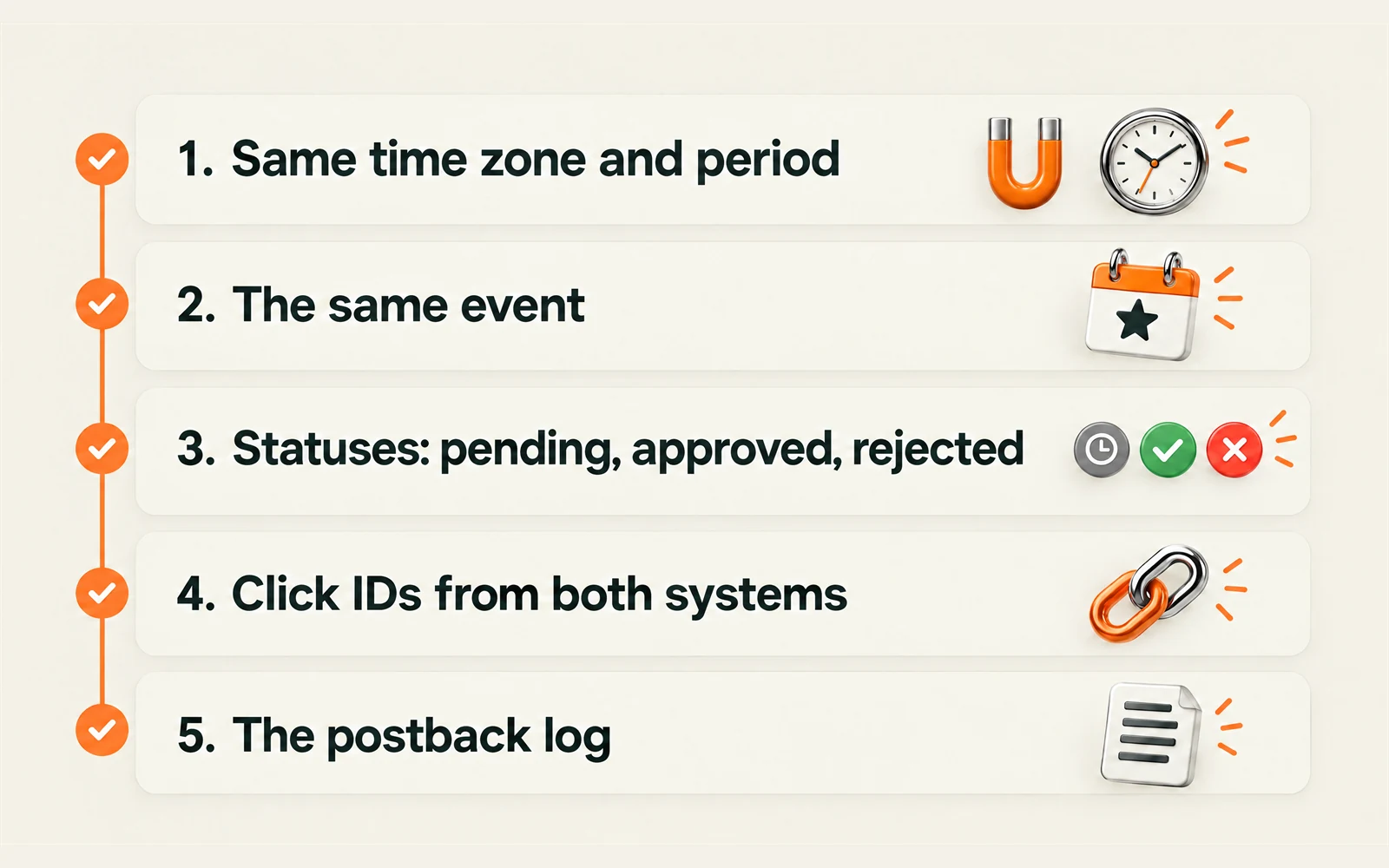
Set the same time zone and the same period in both systems.
Compare the same event: registration with registration, deposit with deposit.
Split the account's conversions by status: pending, approved, rejected.
Export the list of conversions with click IDs from both systems and find those present in only one.
For missing events, check the postback log in your tracker: was a request sent and what response came back.
After this, you usually end up with a short list of genuinely disputed events, and that is something you can work with.
What to send your manager#
If the discrepancy is significant and is not explained by time zones and statuses, collect the details:
the period and the time zone you are looking at;
the offer, GEO and traffic source;
click IDs and sub-parameters of the disputed events;
an export or screenshots from your tracker and its postback log.
With this, your manager can pass the question on for review with specifics, not as "the numbers don't add up".
In short#
A small difference between your tracker and the network is normal: time zones, unique clicks, statuses and event dates. A real problem is when specific events exist in one system and are missing from the other. Trace them by click ID and the postback log.
Share this article